
Getting Started
Quick Start Guide
Convert your first document to accessible HTML in under 5 minutes
Sign in
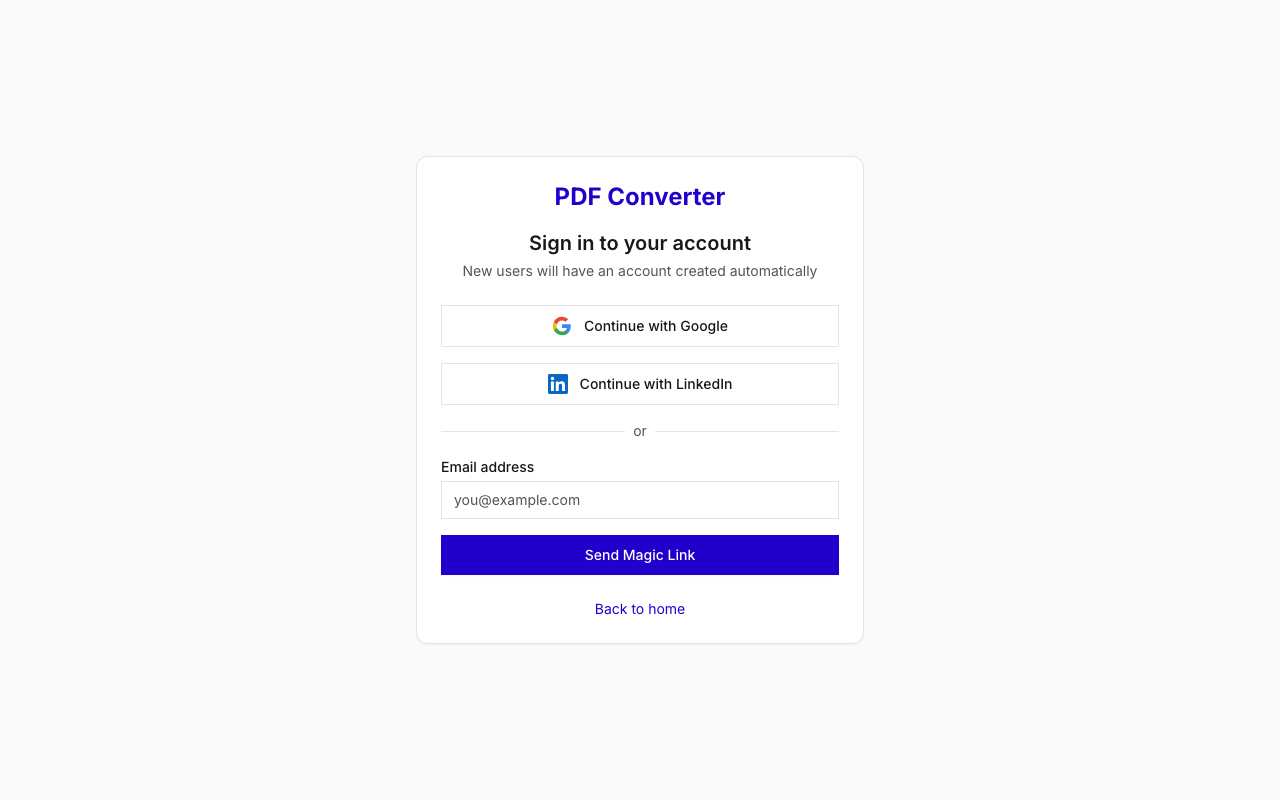
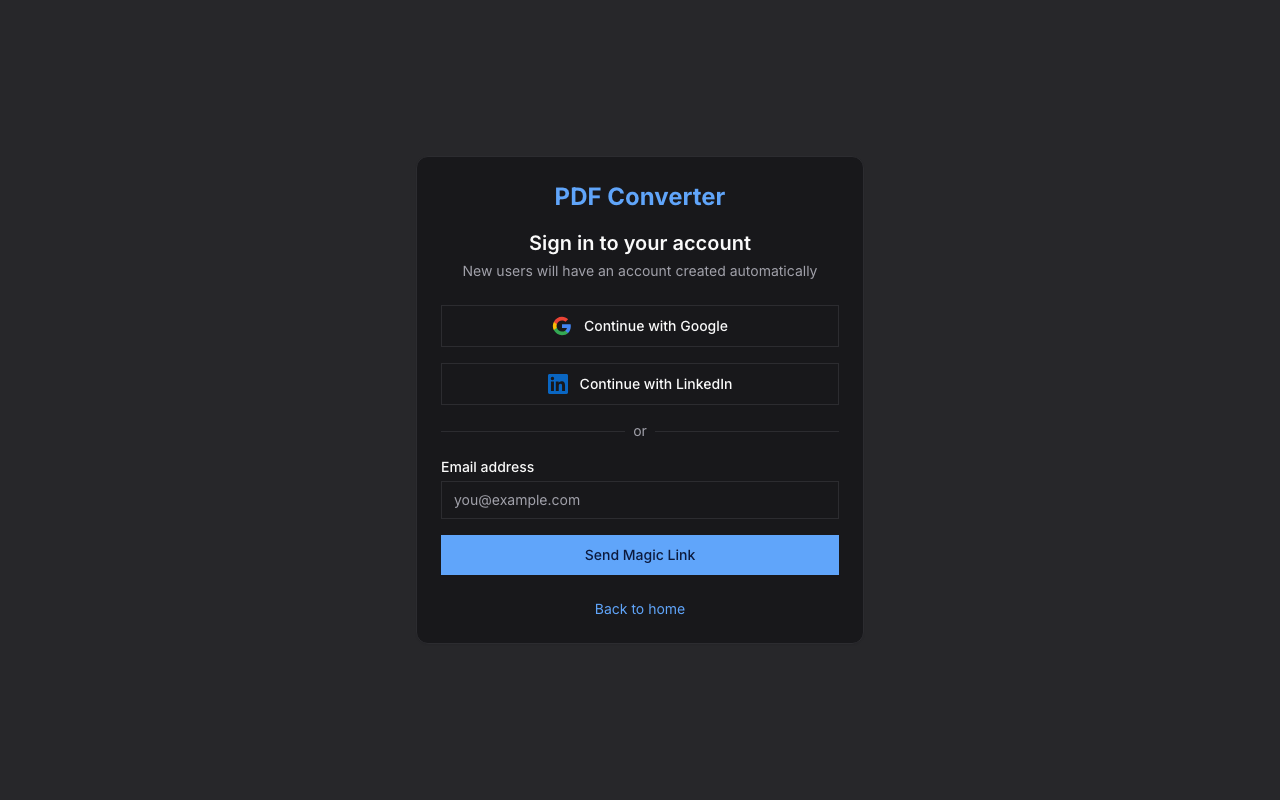
Navigate to pdf.theaccessible.org and sign in. You can use Google, LinkedIn, or enter your email to receive a magic link.
If this is your first time, an account is created automatically when you sign in.
Upload a file
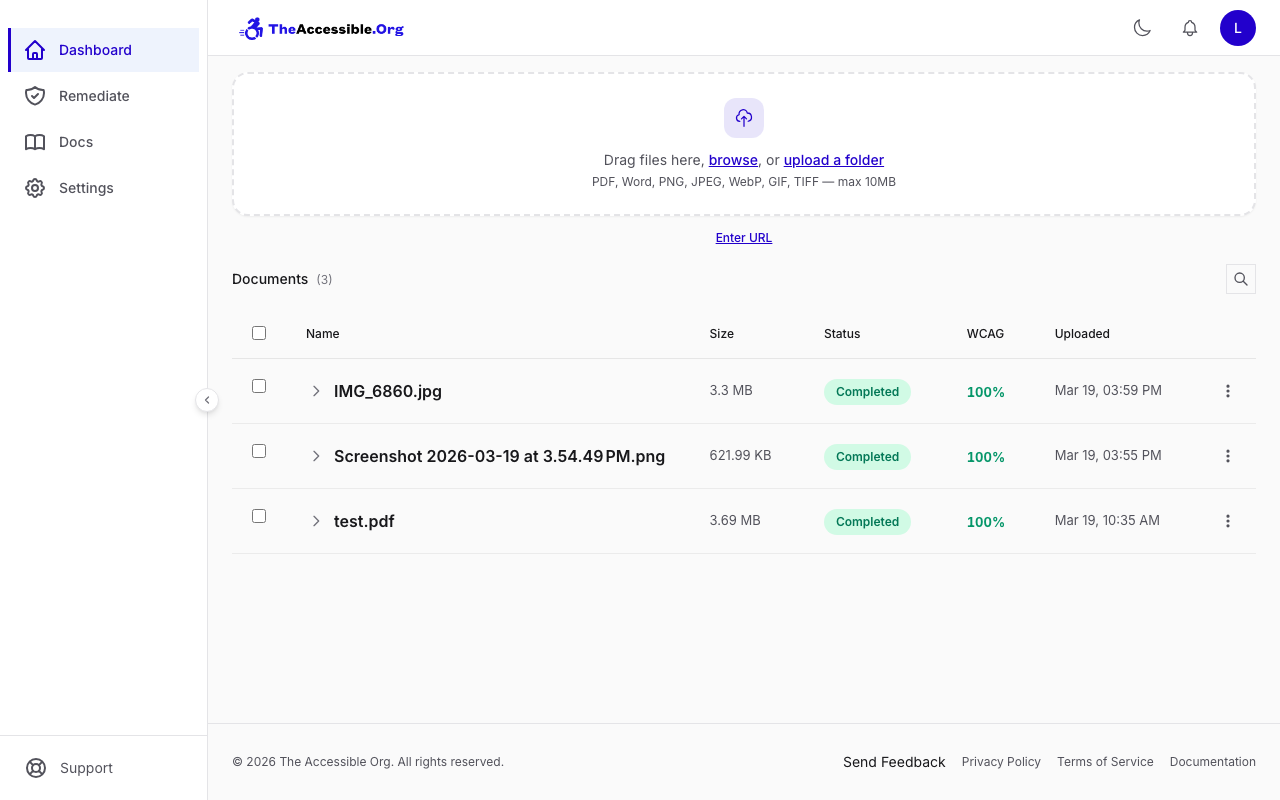
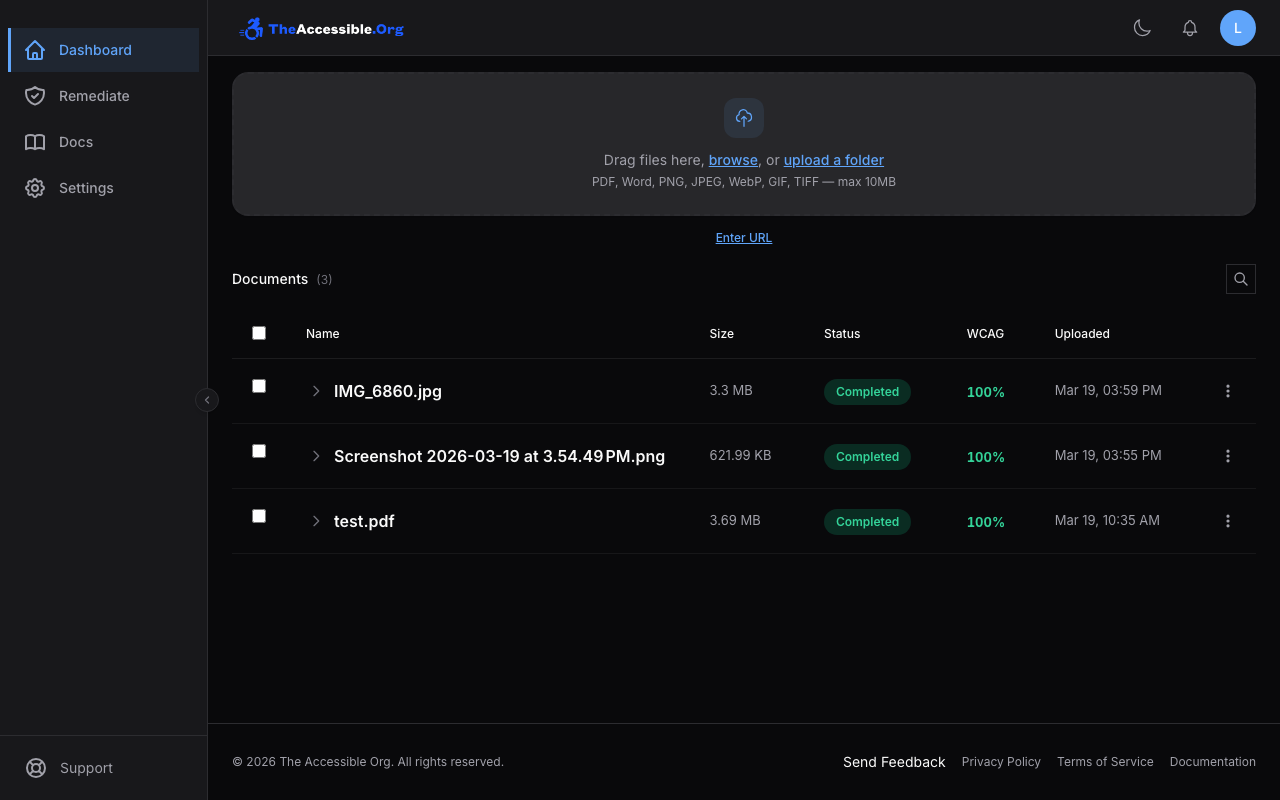
From the dashboard, drag a PDF into the upload area or click browse to select one from your device. You can also paste a URL to a publicly hosted PDF.
Supported formats include PDF, DOCX, PNG, JPEG, WebP, GIF, and TIFF. Files can be up to 10 MB each, and you can upload up to 50 at a time.
Start conversion
The converter starts automatically. The converter will analyze each page, extract content, and rebuild it as accessible HTML that meets WCAG 2.1 AA standards.
A progress bar shows how far along the conversion is. Most documents finish within a minute or two, depending on page count and complexity.
Download your results
When conversion completes, the file row becomes expandable. Click the chevron to reveal your downloads:
- Accessible HTML — The main converted output, ready for your website or LMS
- Original (PDF) — Your original file, kept on file for reference
- WCAG Conformance Report — A pass/fail accessibility audit showing what was checked
- Accessibility Checklist — An interactive checklist to help guide you through any remaining issues.
Click the download icon next to any item to save it, or click Compare next to Accessible HTML to preview it side-by-side with the original.


What's next
- Learn about all upload methods including folder upload and URL fetch
- Explore download options and the Compare view
- Understand WCAG reports and what 100% compliance means